Ever bought a new, shiny gaming PC or a powerful workstation, only to realize later that something just feels… off? Maybe it’s random crashes, weird noises, or perhaps the dreaded ‘magic smoke’ escaping from your rig. While you might point fingers at the CPU or GPU, the unsung hero (or often, the silent saboteur) behind many PC woes is often the Power Supply Unit, or PSU.
Think of your PC’s PSU not just as a component, but as the very heart of your system. It’s responsible for delivering clean, stable power to *every single part* – your mighty CPU, your powerhouse GPU, the speedy SSD, and even those RGB fans lighting up your case. Without a good heart, the whole body suffers, right? The same goes for your PC. And that’s precisely why understanding a **power supply unit tier list** isn’t just a recommendation; it’s practically a necessity for any savvy PC builder or enthusiast.
In this comprehensive guide, we’re diving deep into the world of PSUs. We’ll demystify what makes a good one, explore essential certifications, and most importantly, show you how to navigate and make sense of the famous PSU tier lists. By the end, you’ll be equipped to choose a power supply that doesn’t just meet your PC’s needs but ensures its long-term health and stability.
Read also : PC Component Reviews
What Exactly is a PSU and Why Does Its Quality Matter So Much?
At its core, a Power Supply Unit (PSU) converts the alternating current (AC) from your wall socket into direct current (DC) that your PC components can actually use. But it’s not just a simple converter; it’s a sophisticated piece of engineering designed to regulate voltage, filter out noise, and protect your expensive hardware from electrical anomalies. Sounds pretty important, doesn’t it?
Imagine feeding your high-performance sports car contaminated fuel. Even if it’s the most powerful engine in the world, it won’t run optimally, and it will likely suffer damage over time. Your PC is no different. A low-quality or unstable PSU can lead to a plethora of issues:
Read also : Best CPU reviews for gaming
- **System Instability:** Random crashes, freezes, or blue screens of death (BSODs) can often be traced back to an unstable power delivery.
- **Component Damage:** Voltage spikes or drops can prematurely wear out components, or worse, fry them altogether. That’s a costly mistake!
- **Reduced Lifespan:** Consistent poor power quality stresses all your components, shortening their overall lifespan.
- **Inefficiency:** Cheaper PSUs are often less efficient, meaning more electricity is wasted as heat, leading to higher electricity bills and a hotter PC.
This is where the concept of a **power supply unit tier list** becomes your best friend. It helps you cut through the marketing jargon and identify PSUs that are truly reliable and safe for your precious PC.
Decoding PSU Certifications: The 80 PLUS Standard
Before we jump into the tiers, let’s talk about something you’ll see on almost every PSU: the 80 PLUS certification. This isn’t a measure of quality in terms of component robustness or ripple suppression, but rather an indicator of a PSU’s energy efficiency. In simpler terms, it tells you how much power drawn from the wall is actually converted into usable DC power for your PC, versus how much is lost as heat.
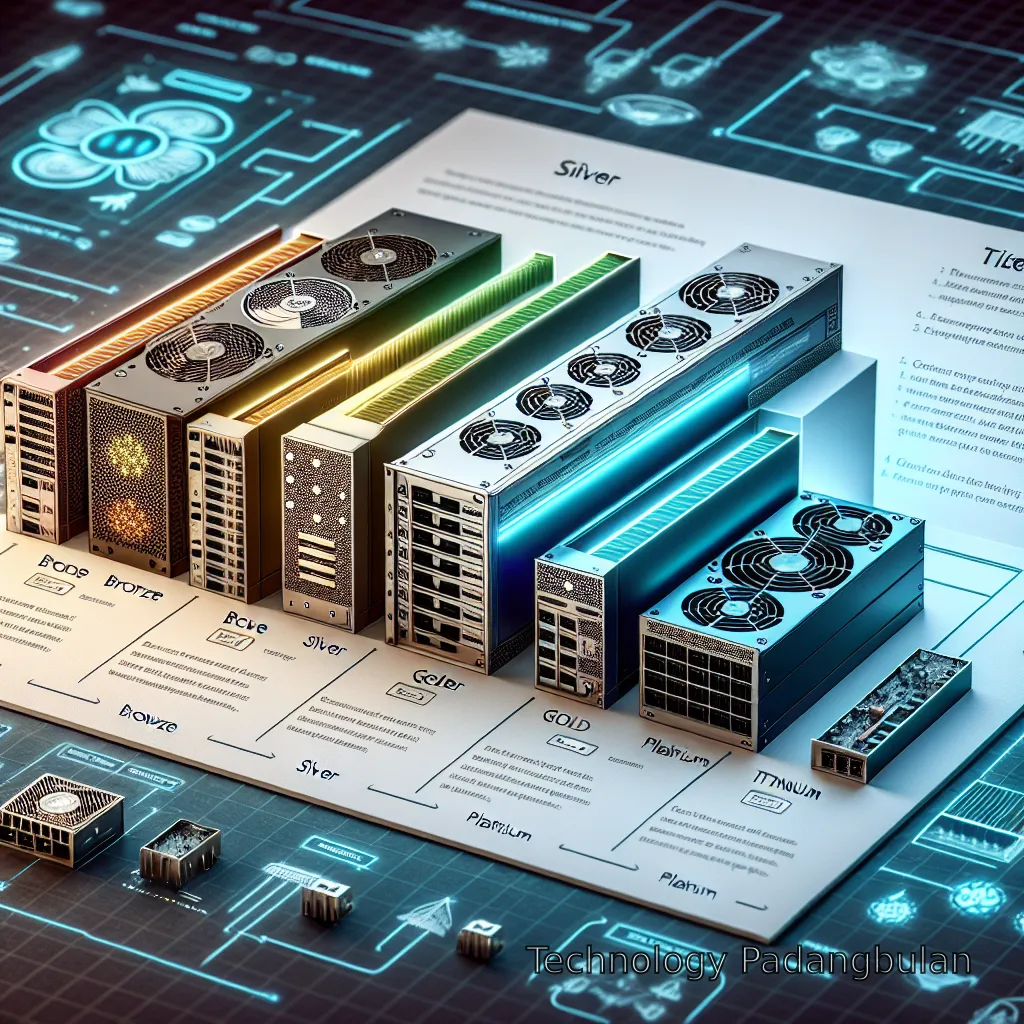
The 80 PLUS program has several levels, each indicating a higher level of efficiency:
- **80 PLUS White:** The baseline. Roughly 80% efficiency at 20%, 50%, and 100% loads.
- **80 PLUS Bronze:** A step up, offering around 82-85% efficiency. A good budget-friendly choice.
- **80 PLUS Silver:** About 85-88% efficiency. Less common.
- **80 PLUS Gold:** The sweet spot for many. Offering 87-90% efficiency. Great balance of cost and efficiency.
- **80 PLUS Platinum:** Higher efficiency, typically 89-92%. Often found in higher-end PSUs.
- **80 PLUS Titanium:** The cream of the crop, with 90-94% efficiency. These are premium units, often featuring advanced designs and components.
While higher efficiency means less wasted power and potentially a cooler, quieter PSU (due to less fan work needed), remember that 80 PLUS doesn’t tell the whole story. A Platinum-rated PSU can still be poorly built in other aspects, which is why a robust **power supply unit tier list** is so invaluable.
Beyond Efficiency: Key Factors That Define a Good PSU
So, if 80 PLUS isn’t everything, what else should you consider? A lot, actually! When assessing a PSU’s quality and understanding its placement on a tier list, experts look at several critical factors:
### Wattage: How Much Power Do You Really Need?
This is often the first question people ask. While it’s tempting to go for overkill, an excessively high wattage PSU for a low-power system is just a waste of money. Conversely, too little wattage can lead to instability and potential damage. A good rule of thumb is to calculate your system’s total power draw (online calculators help here) and add a buffer (20-30%) for future upgrades and peak loads. Tier lists usually categorize PSUs by wattage and performance expectations.
### Modularity: Cable Management Bliss (or Burden)
- **Non-Modular:** All cables are permanently attached. Cheapest, but often a nightmare for cable management in smaller cases.
- **Semi-Modular:** Essential cables (like the 24-pin motherboard and 8-pin CPU) are fixed, while others (like PCIe, SATA) are detachable. A good compromise.
- **Fully Modular:** Every single cable detaches. Offers the cleanest builds and easiest cable management, but usually costs more. This doesn’t directly impact power quality but significantly affects user experience.
### Safety Protections: Your PC’s Guardian Angel
High-quality PSUs come packed with multiple safety features to protect your components from electrical mishaps. These include:
- **OVP (Over Voltage Protection):** Prevents too much voltage from reaching components.
- **UVP (Under Voltage Protection):** Prevents too little voltage (which can also be damaging).
- **OCP (Over Current Protection):** Protects against excessive current on individual rails.
- **OPP/OLP (Over Power Protection/Over Load Protection):** Guards against the PSU delivering more power than it’s rated for.
- **SCP (Short Circuit Protection):** Shuts down the PSU if a short circuit is detected.
- **OTP (Over Temperature Protection):** Prevents overheating.
PSUs higher on a **power supply unit tier list** will have a comprehensive suite of these protections, ensuring your hardware is always safe.
### Internal Components and Build Quality
This is where a lot of the magic (and cost difference) happens. High-tier PSUs use premium capacitors (Japanese capacitors are often lauded), robust transformers, and superior circuit designs. These lead to better ripple suppression (less electrical noise), tighter voltage regulation, and overall greater reliability and longevity. Lower-tier units might cut corners here, using cheaper components that degrade faster or deliver less stable power.
The Power Supply Unit Tier List: Your Ultimate Buying Guide
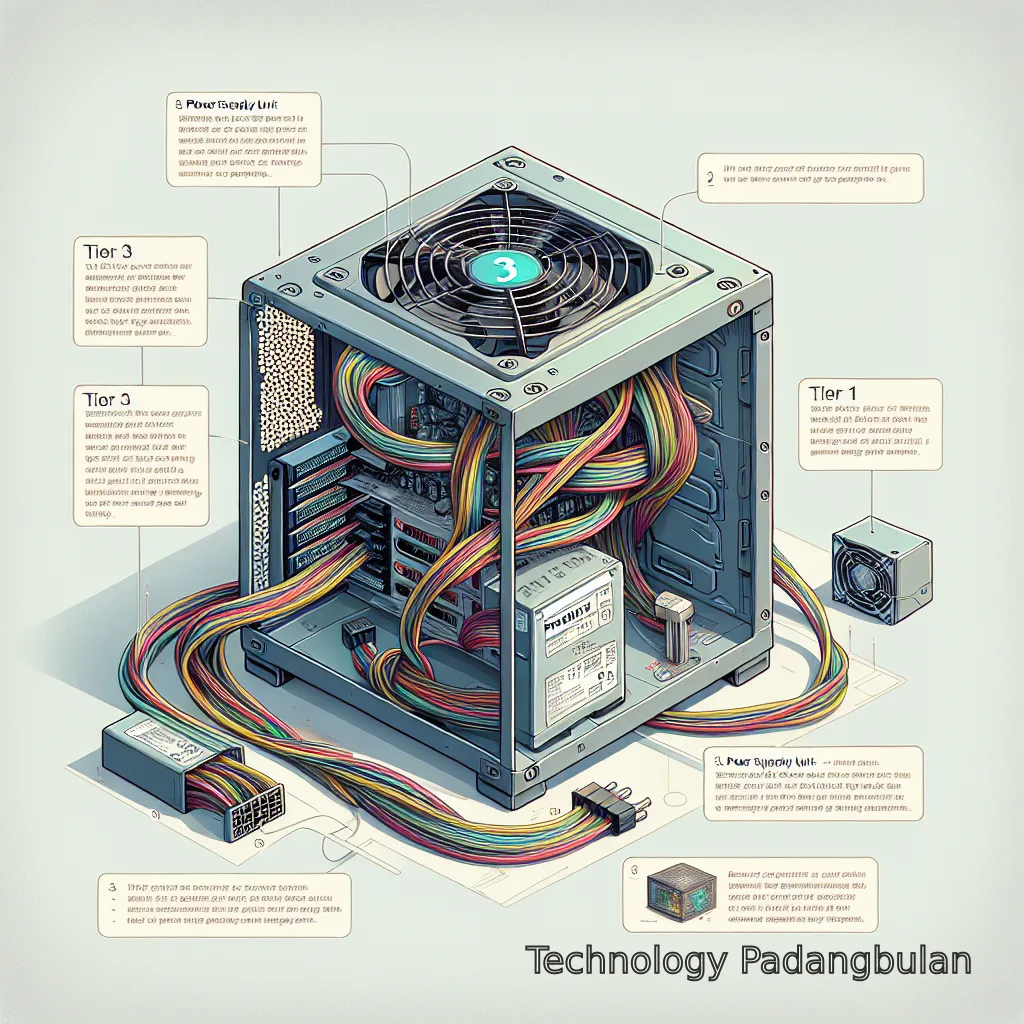
Alright, this is what you came for! The concept of a **power supply unit tier list** is a community-driven, expert-vetted resource designed to categorize PSUs based on their overall quality, reliability, and performance. It’s not just about wattage or 80 PLUS ratings; it’s about the internal components, voltage regulation, ripple suppression, transient response, and safety features.
The most widely recognized and frequently updated PSU tier list is maintained by the community over at the Cultists Network (formerly part of the Linus Tech Tips forum). It’s a massive, living document compiled by experts who meticulously review hundreds of PSUs, often performing teardowns and extensive testing.
### How Tier Lists Are Typically Structured:
- **Tier S (or A-Tier Gold/Platinum):** The absolute best of the best. These PSUs are designed for critical systems, high-end gaming, or professional workstations where maximum reliability, stability, and efficiency are paramount. They feature top-tier components, excellent voltage regulation, and robust protections. Expect premium pricing.
- **Tier A (or A-Tier Silver):** Excellent PSUs, highly recommended for most high-end to mid-range builds. They offer superb performance, good components, and reliable operation. A fantastic balance of price and quality.
- **Tier B:** Good quality PSUs, suitable for mid-range systems. They might have slightly less refined performance or use slightly less premium components than Tier A, but are still perfectly safe and reliable for general use and gaming.
- **Tier C:** Decent PSUs, generally for budget builds with less demanding hardware. They meet basic requirements but might lack some advanced protections or have looser voltage regulation. Not ideal for high-end GPUs.
- **Tier D:** Entry-level units, usually recommended only for very basic office PCs or systems with integrated graphics. Performance and reliability might be a concern for anything more demanding.
- **Tier F (or Replace Immediately/Avoid):** PSUs that are actively dangerous or extremely unreliable. These often use incredibly cheap components, lack essential protections, and can pose a risk to your entire system. *Always avoid these!*
### Using a Tier List Effectively:
1. **Identify Your Needs:** What kind of PC are you building? A powerful gaming rig? A modest office machine? This dictates the minimum tier you should aim for. 2. **Consult the Latest List:** As mentioned, these lists are dynamic. Always refer to the most recent version. A great resource for this is the [Cultists Network PSU Tier List](https://cultists.network/140/psu-tier-list/) (please be aware this is an external, community-maintained resource). 3. **Cross-Reference with Reviews:** Once you’ve shortlisted a few PSUs from your desired tier, read in-depth reviews from reputable tech sites like Tom’s Hardware. They provide real-world testing data that complements the tier list’s general recommendations. Check out some of our own PC Component Reviews for more insights. 4. **Consider Your Budget:** While it’s tempting to save money on a PSU, remember it’s the foundation of your system. Skimping here can lead to much larger expenses down the line. Aim for the highest tier you can reasonably afford.
By following this approach, you can confidently select a PSU that will serve your system well for years to come. Don’t forget, a great CPU needs great power, so check out our Best CPU reviews for gaming too!
Common PSU Myths Debunked
The world of PC hardware is rife with myths, and PSUs are no exception. Let’s clear up a few misconceptions:
- **Myth: Higher wattage always means better quality.** Not true! A 1000W budget PSU from a no-name brand is likely to be far inferior to a 650W unit from a reputable manufacturer in Tier A. Quality over quantity, always.
- **Myth: 80 PLUS Titanium is always the best choice.** While Titanium is the most efficient, the extra cost often doesn’t translate to significant savings in electricity bills for the average user. Gold or Platinum PSUs offer an excellent balance. The tier list looks at *all* aspects, not just efficiency.
- **Myth: You only need protection if you live in an area with bad power.** While good surge protectors are always recommended, internal PSU protections are crucial regardless of your local grid. They handle internal component failures and transient spikes that external protectors might miss.
- **Myth: Any old PSU will do for a basic PC.** Even a basic PC deserves a safe and reliable power source. You wouldn’t put cheap, unknown batteries in your smoke detector, would you? The same principle applies to your PC; safety and stability are paramount.
Conclusion
And there you have it! We’ve journeyed through the intricate world of Power Supply Units, uncovering why they are far more than just a box that plugs into the wall. From understanding the crucial role of clean, stable power to deciphering 80 PLUS certifications and, most importantly, learning how to leverage a **power supply unit tier list**, you’re now armed with the knowledge to make informed decisions.
Remember, your PSU is the silent guardian of your PC. Investing in a quality unit, guided by a reputable tier list, is an investment in your system’s longevity, stability, and your own peace of mind. So, next time you’re building or upgrading, don’t just think about the flashiest GPU or the fastest CPU; give a little love to the heart of your machine. Your PC will thank you for it with years of reliable performance!
References
FAQ
What is the most important factor when choosing a PSU?
While wattage and efficiency (80 PLUS rating) are important, the most critical factor is overall build quality and reliability, which is best assessed by consulting a reputable power supply unit tier list. This considers internal components, voltage regulation, ripple suppression, and safety protections.
Can a bad PSU damage my other PC components?
Absolutely! A low-quality or failing PSU can deliver unstable power, causing voltage spikes or drops that can prematurely wear out, or even instantly destroy, expensive components like your CPU, GPU, and motherboard. It’s a critical component for protection.
Is a higher 80 PLUS rating always better?
A higher 80 PLUS rating (e.g., Titanium over Gold) indicates greater energy efficiency, meaning less power is wasted as heat and potentially lower electricity bills. However, it doesn’t solely define overall quality or reliability. A Gold-rated PSU from a top manufacturer might still be better built than a Platinum-rated unit from a lesser-known brand. Always cross-reference with a tier list.
How much wattage do I need for my PSU?
The ideal wattage depends on your PC’s components, especially your CPU and GPU. Use an online PSU wattage calculator to estimate your system’s total power draw, and then add a 20-30% buffer for peak loads and future upgrades. Avoid going excessively high, as PSUs are most efficient at around 50% load.
Where can I find a reliable PSU tier list?
The most widely recognized and frequently updated power supply unit tier list is maintained by the community at the Cultists Network (formerly LTT forums). It’s an excellent, expert-vetted resource for evaluating PSUs.
What’s the difference between non-modular, semi-modular, and fully modular PSUs?
Non-modular PSUs have all cables permanently attached, which can make cable management difficult. Semi-modular units have essential cables fixed (like 24-pin motherboard), while others are detachable. Fully modular PSUs allow you to detach every cable, offering the cleanest builds and easiest cable management, but they are typically more expensive.