Ever wondered what magic goes into creating those breathtaking, immersive 3D worlds you get lost in for hours? From the sprawling landscapes of an open-world RPG to the heart-pounding action of a first-person shooter, every pixel, every movement, and every sound is meticulously crafted. But it’s not actual magic; it’s the ingenious application of a diverse arsenal of Game Development Technology. Behind every epic quest and stunning visual lies a suite of powerful **3D game development tools** that empower creators, from solo indie devs to massive AAA studios, to bring their digital dreams to life. Think of these tools as the brushes, chisels, and blueprints for digital architects and sculptors. They transform abstract ideas into tangible, playable experiences. Ready to peek behind the curtain and discover the essential software that shapes the games we love? Let’s embark on this exciting journey!
The Foundation: Game Engines – The Brains of the Operation
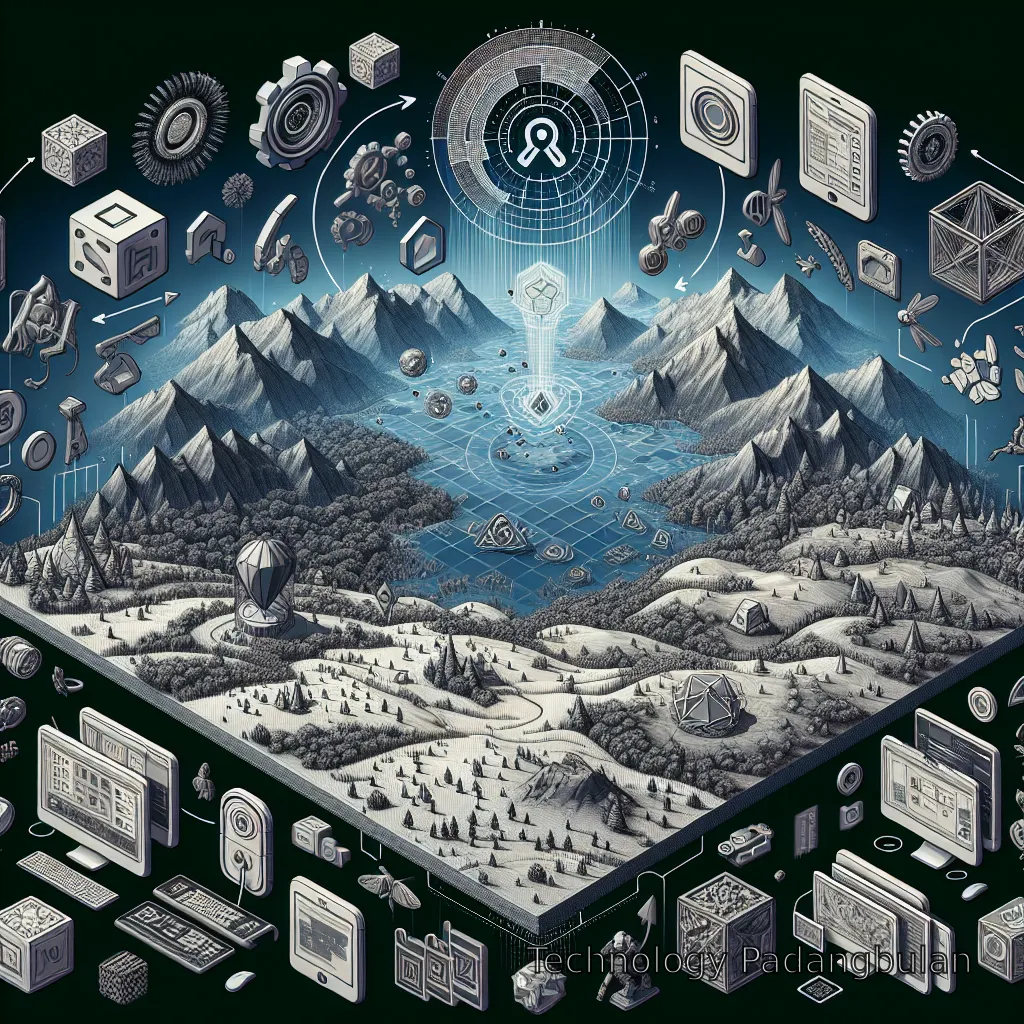
Imagine building a house without a foundation, walls, or even a roof. Sounds impossible, right? In 3D game development, the game engine is precisely that – the foundational structure upon which everything else is built. It’s the central nervous system, coordinating everything from graphics rendering and physics simulations to user input and sound. Without a robust game engine, creating interactive 3D experiences would be an astronomical task, requiring developers to code every single component from scratch. This is where the real workhorse among **3D game development tools** shines. Two titans largely dominate this landscape: Unity and Unreal Engine. Both are incredibly powerful, but they cater to slightly different needs and preferences, leading to endless debates in developer circles (it’s almost like choosing between console allegiances!). * **Unity:** Often heralded as the ‘indie darling’ and a fantastic entry point for beginners, Unity is renowned for its user-friendliness, extensive asset store, and ability to export games to virtually every platform imaginable – from mobile to console to VR/AR. Its component-based architecture makes it highly modular and flexible, and its C# scripting language is relatively easy to learn. Many popular titles, from ‘Hollow Knight’ to ‘Cuphead’, were brought to life using Unity. * **Unreal Engine:** If Unity is the accessible workhorse, Unreal Engine is the cinematic powerhouse, often associated with stunning, photorealistic graphics. It’s the engine behind AAA blockbusters like ‘Fortnite’, ‘Gears of War’, and ‘Kingdom Hearts III’. Unreal’s visual scripting system, Blueprint, allows designers to create complex game logic without writing a single line of code, while its C++ backend provides unparalleled performance for those who dare to dive into its depths. Its rendering capabilities are often considered state-of-the-art, pushing the boundaries of visual fidelity. Choosing between them often depends on project scope, team experience, and desired graphical fidelity. We’ve even got a whole Game engines comparison that might help you decide! But whichever you choose, these engines are undeniably the heart of most 3D game development workflows.
Crafting Worlds: 3D Modeling and Sculpting Software
Once you have your game engine ready, you need something to put *into* your world. This is where 3D modeling and sculpting tools come into play. These are the digital clay and chisels that artists use to create every object, character, and environment element you see in a 3D game. From a simple wooden crate to a dragon’s intricate scales, it all starts here. * **Blender:** The open-source hero! Blender has exploded in popularity, becoming a powerhouse for 3D modeling, sculpting, animation, rendering, and even video editing. It’s free, incredibly powerful, and supported by a massive, passionate community. Many professional artists now use Blender extensively, demonstrating that ‘free’ doesn’t mean ‘limited.’ Its sculpting tools, in particular, have seen massive improvements, rivaling dedicated sculpting applications. * **Autodesk Maya:** The industry standard for character modeling and animation, Maya is a beast of a program used in countless film studios and game development houses. It offers an incredibly robust toolkit for polygonal modeling, NURBS surfacing, rigging, and animation. While it comes with a steep learning curve and a professional price tag, its capabilities are almost limitless for those who master it. * **ZBrush:** If Maya is about precision engineering, ZBrush is about digital sculpting with artistic freedom. Think of it as pushing and pulling digital clay. It allows artists to create incredibly detailed organic models, like creatures, characters, and intricate environmental assets, with a focus on high-polygon count sculpting. Many game characters start as high-detail sculpts in ZBrush before being ‘retopologized’ for game engine performance. These tools enable artists to literally build the visual assets of a game, shaping the very essence of the virtual reality players will inhabit.
Read also : Game Development Technology
Bringing Worlds to Life: Texturing and Shading Tools
A perfectly modeled 3D object can still look flat and lifeless without proper texturing and shading. This is where materials come into play – they dictate how light interacts with a surface, giving it color, roughness, metallic properties, and fine details. Texturing is like painting the skin of your 3D models, adding scratches, rust, grime, fabric patterns, or a shimmering metallic sheen. It’s crucial for achieving that realistic or stylized look. * **Adobe Substance Painter:** This tool has revolutionized texturing workflows. Substance Painter is a 3D painting software that allows artists to paint directly onto their 3D models in real-time, seeing the results instantly. It uses a PBR (Physically Based Rendering) workflow, meaning textures created here will look consistent across different game engines and lighting conditions. It’s like having a digital workshop where you can apply realistic materials with layers, masks, and smart materials, making texturing both efficient and incredibly artistic. * **Adobe Photoshop / GIMP:** While not strictly 3D tools, these 2D image manipulation powerhouses are indispensable for creating base textures, refining details, creating alpha masks, and post-processing texture maps generated from other software. Photoshop is the industry standard, but GIMP offers a free, open-source alternative with extensive capabilities. Think of them as the canvas and traditional paintbrushes that complement the 3D texturing process. These tools breathe life into the polygons, giving every object in your game world a unique personality and tactile feel. Without them, even the most complex 3D models would look like bland grey forms.
The Art of Motion: Animation Software
What’s a game without movement? Static characters and environments would quickly bore even the most patient player. Animation software is where characters walk, run, jump, fight, and express emotions. It’s also where environmental elements like swaying trees, flowing water, or erupting volcanoes are given their dynamic characteristics. * **Autodesk Maya:** As mentioned before, Maya isn’t just for modeling; it’s a powerhouse for character rigging (creating the skeletal structure that allows a model to bend and move) and animation. Its robust toolset supports keyframe animation, motion paths, inverse kinematics, and even non-linear animation, making it a go-to for complex character performances. * **Blender:** Again, Blender proves its versatility by offering comprehensive animation tools. From simple object animations to complex character rigs and fluid simulations, Blender can handle a vast array of animation tasks. Its Grease Pencil feature even allows for 2D animation within a 3D environment, blurring the lines between animation styles. * **MotionBuilder:** While less common for direct game development, MotionBuilder specializes in non-linear animation and motion capture data editing. Many AAA studios use it to clean up and retarget motion capture performances onto their game characters, saving countless hours of manual keyframing. It’s the wizard behind the incredibly fluid and realistic movements you see in many big-budget games. Bringing movement and expression to characters and objects is paramount for creating believable and engaging game worlds. These **3D game development tools** are the puppet masters, giving life to the digital puppets.
Read also : Game engines comparison
Scripting the Story: Programming Languages and IDEs
While art assets create the visual spectacle, programming languages and Integrated Development Environments (IDEs) are the brains that make everything interactive. This is where game logic, player input, AI behaviors, physics interactions, and UI functionality are coded. It’s the engine’s instruction manual, telling it exactly what to do and when. * **C# (C-sharp):** The primary language for Unity. C# is a versatile, object-oriented language that’s relatively easy to learn, especially for those coming from other programming backgrounds. Its integration with Unity is seamless, making it a powerful choice for game developers of all levels. * **C++:** The backbone of Unreal Engine (and many other custom engines). C++ is a lower-level language known for its performance and control over hardware. While it has a steeper learning curve, it offers unparalleled optimization possibilities, which is why it’s favored by AAA studios for performance-critical games. * **Visual Studio / Visual Studio Code:** These are prominent IDEs (Integrated Development Environments) where programmers write, debug, and manage their code. Visual Studio is a full-featured, powerful IDE often used with C++, while Visual Studio Code is a lighter, highly customizable code editor popular for various languages, including C# and Python. These environments provide essential features like syntax highlighting, code completion, and debugging tools that streamline the coding process. Without these programming **3D game development tools** and languages, your stunning 3D models would simply sit there, inert and unresponsive. They are the gears and levers that make the machine run.
Beyond the Essentials: Specialized Tools & Integrations
The world of 3D game development isn’t just about the core art and programming tools. A vast ecosystem of specialized software and services exists to handle everything else that goes into shipping a game. Think of it as the specialized crew members needed to run a complex spaceship. * **Version Control Systems (e.g., Git, Perforce):** Essential for teams. Imagine multiple people working on the same game files – characters, levels, code. Without version control, chaos would ensue! Tools like Git (often used with GitHub or GitLab) and Perforce allow teams to manage changes, track revisions, and merge work seamlessly, preventing headaches and lost progress. They are the unsung heroes of collaborative development. * **Audio Workstations (DAWs) & Sound Libraries:** Sound is half the experience! Tools like Audacity (free), Adobe Audition, or sophisticated Digital Audio Workstations (DAWs) like FL Studio or Ableton Live are used to create, edit, and mix sound effects, music, and voiceovers. Plus, vast sound effect libraries provide ready-to-use assets, often tailored for game implementation. * **VFX (Visual Effects) Tools:** For those dazzling explosions, magical spells, or realistic water simulations, dedicated VFX tools or robust particle systems within game engines (like Niagara in Unreal or Shuriken in Unity) are crucial. These allow artists to create dynamic and visually striking effects that enhance immersion. * **Project Management Software:** While not directly for creating assets, tools like Jira, Trello, or Asana are vital for organizing tasks, tracking progress, and keeping development teams aligned. They ensure that all the individual pieces created with the various **3D game development tools** come together on schedule. The sheer diversity of tools available showcases the complexity and multidisciplinary nature of creating a 3D game. Each tool plays a crucial role in the grand symphony of game creation.
Conclusion
Phew! We’ve taken quite the journey through the fascinating world of **3D game development tools**. From the overarching game engines that lay the foundation to the intricate modeling software that shapes characters, the texturing suites that add realism, the animation tools that breathe life, and the code that makes it all interactive – each tool is a vital cog in the complex machinery of game creation. It’s a field that constantly evolves, with new software and techniques emerging regularly, pushing the boundaries of what’s possible. Whether you’re an aspiring developer eager to craft your first virtual world or just a curious gamer wanting to understand the magic behind your favorite titles, remembering the incredible suite of tools involved gives you a new appreciation for the artistry and engineering behind every digital adventure. So, next time you dive into an immersive 3D game, take a moment to marvel not just at the final product, but at the sophisticated toolkit that made it all a reality. Happy creating (or playing)!
References
FAQ
What is the most important tool for 3D game development?
While many tools are crucial, the game engine (like Unity or Unreal Engine) is arguably the most important. It provides the core framework for everything else, handling graphics, physics, scripting, and more. Without it, developers would have to build every foundational element from scratch.
Can I develop 3D games for free?
Absolutely! Tools like Blender (for 3D modeling/animation) and the free versions of game engines like Unity and Unreal Engine (which are free to use up to a certain revenue threshold) make it entirely possible for aspiring developers to create and even publish 3D games without significant upfront software costs.
Do I need to know how to code to make 3D games?
Not necessarily for every role. While programming is essential for game logic, many modern game engines, especially Unreal Engine with its Blueprint visual scripting, allow designers and artists to create complex gameplay mechanics without writing traditional code. However, a basic understanding of scripting can greatly enhance your capabilities.
How long does it take to learn these 3D game development tools?
Learning the basics of any single tool can take weeks to months, depending on your dedication and prior experience. Mastering a full suite of tools for professional-level game development is an ongoing journey that can take years, as the industry constantly evolves. Starting with one tool and focusing on specific aspects is the best approach.
What’s the difference between 3D modeling and 3D sculpting?
3D modeling (often polygonal modeling) typically involves creating geometry by manipulating vertices, edges, and faces, often focusing on precise, clean topology for animation or game performance. 3D sculpting, on the other hand, is more akin to digital clay, allowing artists to push, pull, and smooth a high-polygon mesh with brushes, ideal for organic shapes and intricate details.
Are these tools only for professional game developers?
Not at all! Many of these tools, especially Blender and the free tiers of Unity and Unreal Engine, are incredibly popular among hobbyists, students, and indie developers. They are designed to be accessible, with vast communities and resources available to help anyone learn and create.
What kind of computer do I need for 3D game development?
3D game development can be resource-intensive. You’ll generally need a computer with a powerful multi-core processor (Intel i7/Ryzen 7 or better), a dedicated graphics card (NVIDIA RTX or AMD Radeon RX series are highly recommended), 16GB or more RAM, and a fast SSD for storage. The more complex your projects, the more powerful your hardware needs to be.
